
Click on Log In/ My DML in the upper right corner. Login with you exiting Library card number and PIN. Follow the steps given you to setup your account. You will be given an opportunity to choose a new username.
Top Questions
When a BiblioCommons account is created, there is a feature that allows a one-time transfer from our classic catalog into BiblioCommons in the My Shelves section. Imported titles should appear in the For Later shelf.
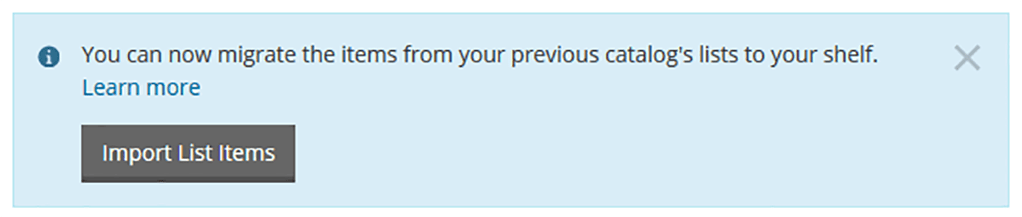
A few things to note:
- For large lists, the import process may take a few minutes.
- All items are marked Private (as indicated by the lock icon).
- The Added on date shows the date the import was done, not the date they were added to the original list.
- The names of the original lists are not retained. You can sort the items by using facets, or applying personal tags.
- Titles that are no longer in the catalog are not imported.
Only if the desired username is available. Usernames in our classic catalog do not transfer to BiblioCommons. Additionally, usernames are shared across all BiblioCommons libraries, increasing the chance that a preferred username is already taken.
Just let us know by calling our Ask Me line at 937.463.2665 or you can refer directly to a more in depth BiblioCommons help FAQ here.